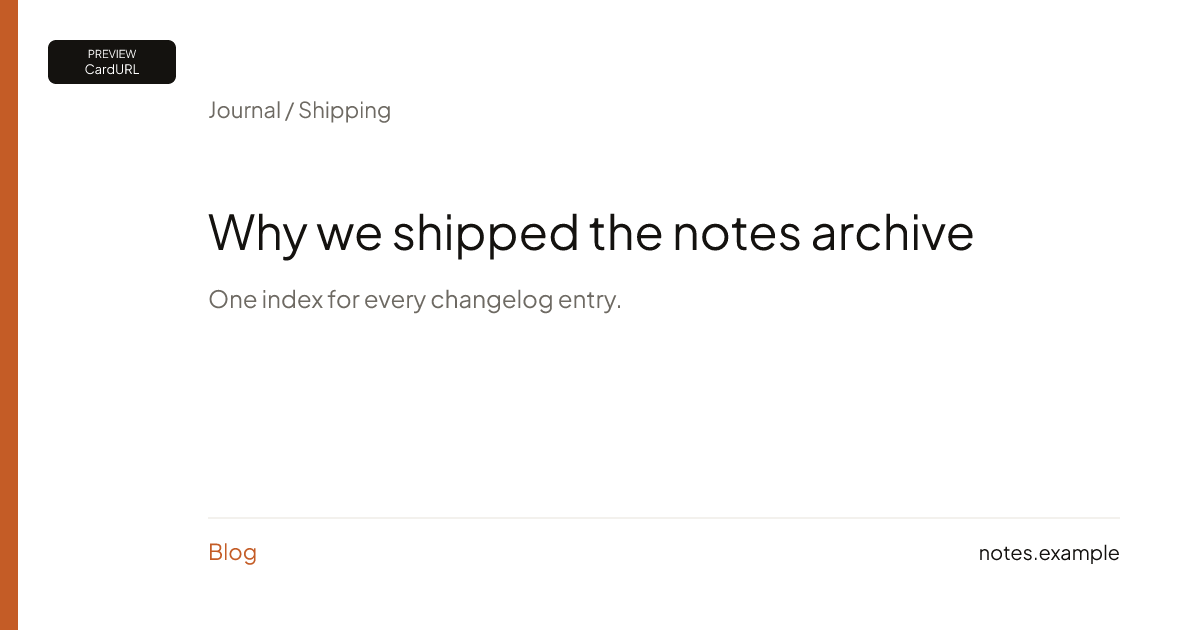
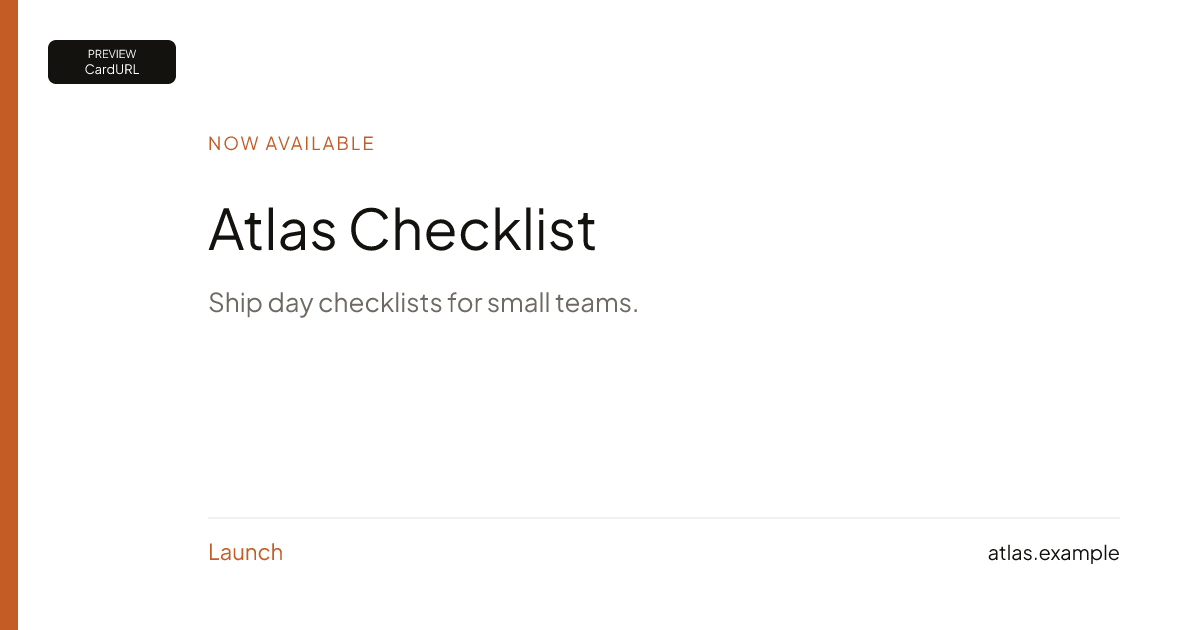
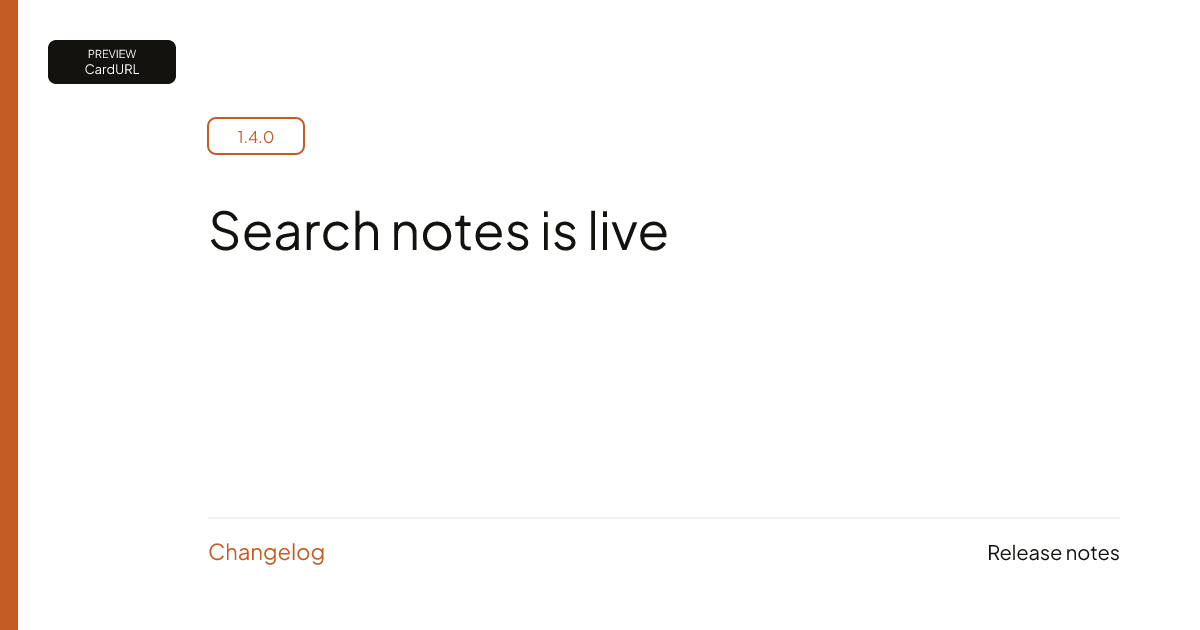
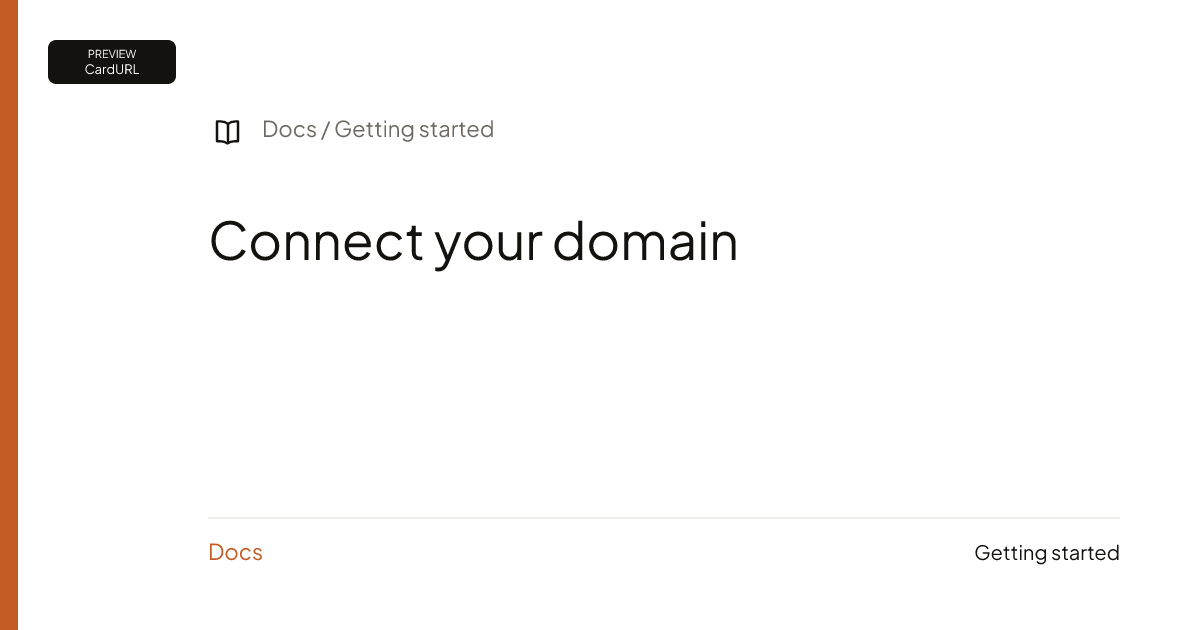
Install examples
Replace YOUR_SITE_KEY with the key from Checkout. Templates: blog, launch, changelog, docs.
HTML
One page, one og:image URL. Repeat the pattern on every page you care about.
<!doctype html>
<html lang="en">
<head>
  <meta charset="utf-8"/>
  <title>Ship it</title>
  <meta property="og:title" content="Ship it"/>
  <meta property="og:description" content="A post on your site."/>
  <meta property="og:image" content="https://cardurl.dev/og/YOUR_SITE_KEY/blog?title=Ship+it"/>
  <meta property="og:image:width" content="1200"/>
  <meta property="og:image:height" content="630"/>
</head>
<body>
  <h1>Ship it</h1>
</body>
</html>
Next.js
App Router: return the CardURL URL from generateMetadata in each route that should get a card. One URL per page, built from that page's own title. This is not a set-once site setting.
1. A small helper
// app/cardurl.ts
const SITE_KEY = "YOUR_SITE_KEY";

export function cardUrl(
  template: "blog" | "launch" | "changelog" | "docs",
  params: Record<string, string>,
) {
  const query = new URLSearchParams(params).toString();
  return `https://cardurl.dev/og/${SITE_KEY}/${template}?${query}`;
}
URLSearchParams encodes each value, so titles with &, : or ? stay intact. If you build the string by hand, wrap each value in encodeURIComponent. Params per template: templates.
2. A dynamic route
// app/blog/[slug]/page.tsx
import type { Metadata } from "next";
import { notFound } from "next/navigation";
import { cardUrl } from "../../cardurl";
import { getPost } from "../../posts"; // your data

type Props = { params: Promise<{ slug: string }> };

export async function generateMetadata({ params }: Props): Promise<Metadata> {
  const { slug } = await params;
  const post = await getPost(slug);
  if (!post) notFound();

  const image = cardUrl("blog", {
    title: post.title,
    date: post.date,
    site: "yoursite.com",
  });

  return {
    title: post.title,
    description: post.description,
    openGraph: {
      title: post.title,
      description: post.description,
      type: "article",
      images: [{ url: image, width: 1200, height: 630, alt: post.title }],
    },
    twitter: {
      card: "summary_large_image",
      images: [image],
    },
  };
}
3. What the page should render
For a post titled "Ship it: notes & lessons", next build then next start gave:
<meta property="og:image" content="https://cardurl.dev/og/YOUR_SITE_KEY/blog?title=Ship+it%3A+notes+%26+lessons&date=Oct+21%2C+2026&site=yoursite.com"/>
<meta property="og:image:width" content="1200"/>
<meta property="og:image:height" content="630"/>
<meta name="twitter:image" content="https://cardurl.dev/og/YOUR_SITE_KEY/blog?title=Ship+it%3A+notes+%26+lessons&date=Oct+21%2C+2026&site=yoursite.com"/>The & is normal HTML escaping. Crawlers read it as &.
Things that trip people up
- metadataBase. The CardURL URL is absolute, so
metadataBasedoes not touch it. You still needmetadataBasefor any relative URL you set, like a canonical. A relative URL without it is a build error. (Next.js docs, read 2026-10-21.) - openGraph replaces, it does not merge. If a layout sets
openGraphand the page setsopenGraphtoo, the page's object wins whole. Put title and description in the page'sopenGraph, not only the image. (Next.js docs: Merging.) - Remove
opengraph-image.*files on routes that use CardURL. Next.js also readsopengraph-imageandtwitter-imagefiles placed in a route folder, and its docs say file-based metadata has higher priority thangenerateMetadata. In our test build on Next.js 16.4.2, the page's ownopenGraph.imageswon over a file in the same folder; a page with no image in its metadata got the file. Don't depend on either. Keep one source per route and check the output. (opengraph-image docs, read 2026-10-21.) - Server Components only.
generateMetadatadoes not run in a"use client"file. Keeppage.tsxa Server Component.
Check it
Open view-source on the deployed page and search for og:image. Paste the image URL in a new tab: it should load a 1200×630 card. Or paste the page URL in the Social preview generator. Try your title in the preview first; it is free and stamped PREVIEW. The hosted /og/ URL needs your site key: 7-day trial, then $39/mo.

WordPress
There is no CardURL WordPress plugin and no site-wide automation. In Yoast or Rank Math, open the post → Social → Image URL, and paste that post’s CardURL URL. Repeat per post or page.
Yoast / Rank Math → Social → Image URL
https://cardurl.dev/og/YOUR_SITE_KEY/blog?title=Ship+it
More: Getting started.
Demonstration cards
Sample titles for the four templates. Not customer work.